HP M283cdw Compatible Toner Cartridges — Save Up to 80%
About the HP Color LaserJet Pro MFP M283cdw
The HP Color LaserJet Pro MFP M283cdw is a multifunction color laser printer that packs printing, scanning, copying, wireless connectivity, and automatic two-sided printing into a compact design. It is a popular choice for small offices, home businesses, and workgroups that need color multifunction capability without the fax hardware found on the M283fdw and M283fdn. The M283cdw prints at up to 22 pages per minute, offers mobile printing through the HP Smart app, and connects via Wi-Fi, Wi-Fi Direct, Ethernet, and USB. Our compatible HP M283cdw toner cartridges deliver the same sharp text and vivid colors as OEM supplies, at up to 80% less per cartridge.
Which Toner Cartridges Fit the HP M283cdw?
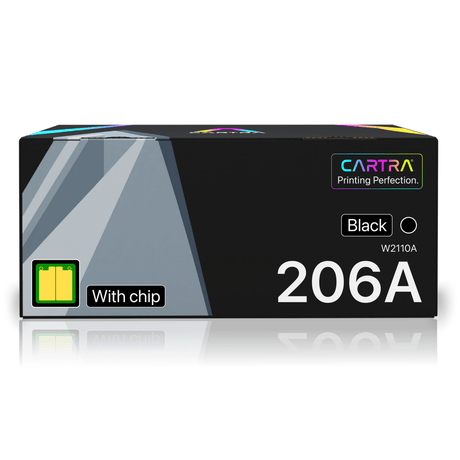
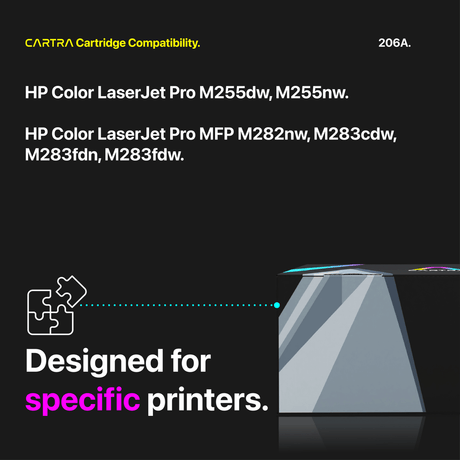
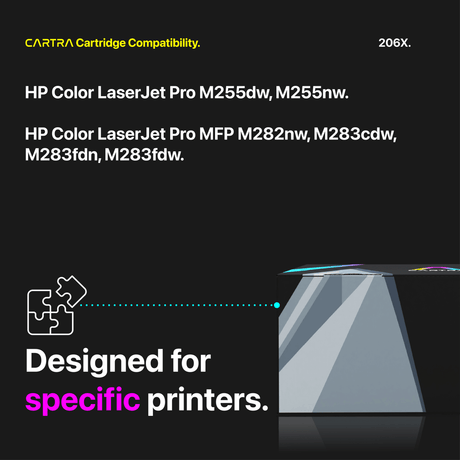
The M283cdw uses the HP 206A (standard yield) and HP 206X (high yield) toner cartridges:
- Black — HP 206A (W2110A, ~1,350 pages) or HP 206X (W2110X, ~3,150 pages)
- Cyan — HP 206A (W2111A, ~1,250 pages) or HP 206X (W2111X, ~2,450 pages)
- Magenta — HP 206A (W2112A, ~1,250 pages) or HP 206X (W2112X, ~2,450 pages)
- Yellow — HP 206A (W2113A, ~1,250 pages) or HP 206X (W2113X, ~2,450 pages)
These are the same cartridges used by the M255dw, M255nw, M282nw, M283fdn, and M283fdw. All yields are rated under the ISO/IEC 19798 standard at 5% page coverage. The 206A and 206X are physically identical in size and connector design, meaning you can install either yield in any slot and mix standard and high yield cartridges as needed.
Standard vs. High Yield — Which to Choose?
The right choice depends on your monthly page volume. The HP 206A standard yield is well-suited for users printing a few hundred pages per month or less — it has a lower upfront cost and will last comfortably between replacements. For offices printing 500 pages or more monthly, the HP 206X high yield delivers a much lower cost per page. The 206X black yields approximately 3,150 pages compared to the 206A's 1,350, and color cartridges jump from 1,250 to 2,450 pages. At our compatible pricing, upgrading to high yield can save you 30% or more per printed page while cutting the number of replacements you need each year nearly in half.
How to Replace Toner in the HP M283cdw
Toner replacement on the M283cdw takes under a minute. Open the front access door and pull the toner drawer straight out. Locate the cartridge you need to replace, press its release tab, and slide it out. Remove the new compatible cartridge from its sealed bag, rock it gently side to side five or six times to distribute toner evenly inside, and peel the protective seal strip off completely. Insert the new cartridge into the correct color slot and push until it clicks into place. Slide the drawer in, close the front door, and the M283cdw will recognize the cartridge automatically and display updated toner levels on the touchscreen.
Smart Chip Included + Warranty
Every compatible HP M283cdw toner cartridge from Cartra Tech includes a pre-installed smart chip for instant printer recognition and accurate toner level monitoring. There are no error messages, no non-genuine warnings, and no firmware conflicts. All cartridges are manufactured under ISO 9001, ISO 14001, and STMC quality standards. Orders ship free within the continental U.S. and are covered by our 3-year warranty and 45-day return policy. If any cartridge does not perform as expected, we will replace it or refund your purchase. Browse the compatible HP M283cdw toner options above and start cutting your printing costs today.

 21% off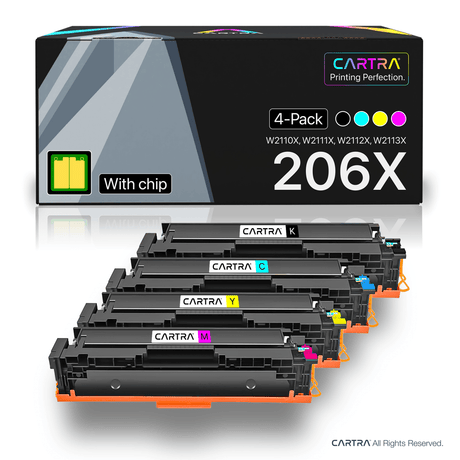
 25% off