HP M283fdw Compatible Toner — Everything You Need for Your Color LaserJet Pro MFP
The HP Color LaserJet Pro MFP M283fdw is one of the most popular color laser all-in-ones for home offices and small businesses, combining printing, scanning, copying, and faxing in a compact, reliable machine. It is also one of the most expensive to supply with OEM toner. Cartra Tech carries compatible HP M283fdw toner cartridges that match OEM performance at a fraction of the price, so you can get the most from your printer without overspending on supplies.
Which Toner Cartridges Does the HP M283fdw Use?
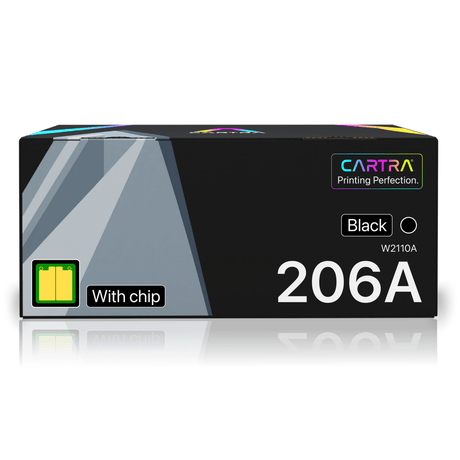
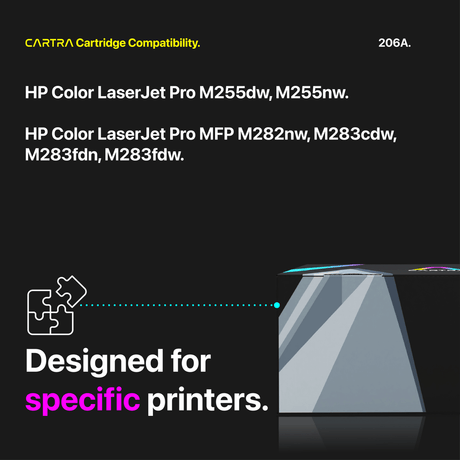
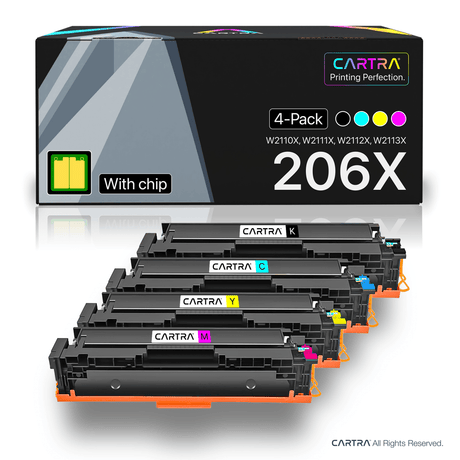
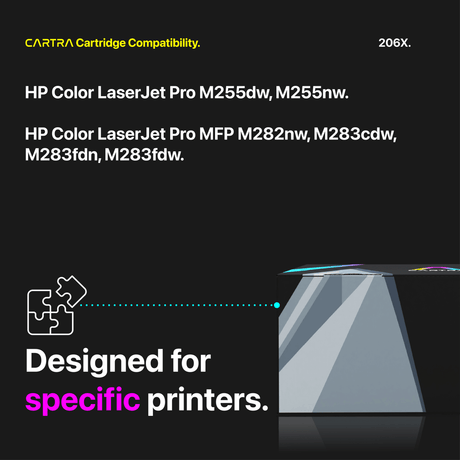
The HP M283fdw uses the HP 206A (standard yield) and HP 206X (high yield) toner cartridge families. Both come in four colors:
- Black — HP 206A (W2110A, ~1,350 pages) or HP 206X (W2110X, ~3,150 pages)
- Cyan — HP 206A (W2111A, ~1,250 pages) or HP 206X (W2111X, ~2,450 pages)
- Magenta — HP 206A (W2112A, ~1,250 pages) or HP 206X (W2112X, ~2,450 pages)
- Yellow — HP 206A (W2113A, ~1,250 pages) or HP 206X (W2113X, ~2,450 pages)
The 206A and 206X are physically interchangeable — you can use either in any slot, and even mix standard and high yield cartridges at the same time. Many users run high yield black and standard yield colors, or vice versa, depending on their printing habits.
How to Replace Toner in the HP M283fdw
Replacing an M283fdw cartridge takes about 30 seconds. Open the front door of the printer to expose the toner drawer. Pull the drawer straight out. Press the release tab on the cartridge you need to replace and slide it out. Unbox your new compatible toner cartridge, rock it gently side to side five or six times to loosen the toner, and peel off the protective seal strip. Slide the new cartridge into the correct color slot until it clicks into place. Push the drawer back in, close the door, and the printer will automatically detect the new cartridge and update the toner level display.
Total Cost of Ownership — OEM vs. Compatible
The M283fdw is an affordable printer to purchase, but toner is where the real cost lies. A full set of four OEM HP 206A cartridges costs roughly $260 at retail. Over two years of moderate printing, you might go through three or four full sets — adding up to $800 to $1,000 in toner alone. Our compatible HP M283fdw toner cartridges bring that same two-year toner cost down to under $200, saving you $600 or more. For the 206X high yield option, the per-page savings are even greater, and you spend less time swapping cartridges.
Quality, Warranty, and Support
Every compatible M283fdw cartridge replacement from Cartra Tech is ISO/STMC certified, includes a factory-new smart chip, and is backed by our 3-year warranty and 45-day money-back return policy. Free shipping is included on every order. If you ever have a question about which cartridge to choose or run into an installation issue, our support team is here to help. Browse the compatible toner options for your HP M283fdw above and start printing for less.
 25% off
 21% off