HP 3301sdw Compatible Toner Cartridges — Save Up to 80%
About the HP Color LaserJet Pro MFP 3301sdw
The HP Color LaserJet Pro MFP 3301sdw is a multifunction color laser printer that combines printing, scanning, and copying with wireless connectivity and automatic duplex printing. As part of HP's newer 3000 series, the 3301sdw serves as the next-generation replacement for the M283 multifunction lineup, with improved performance and a more modern interface. It is well-suited for small offices, home businesses, and remote workers who need reliable multifunction color output. Our compatible HP 3301sdw toner cartridges match OEM print quality and yields at up to 80% less, so you get the full benefit of this printer without overspending on consumables.
Which Toner Cartridges Fit the HP 3301sdw?
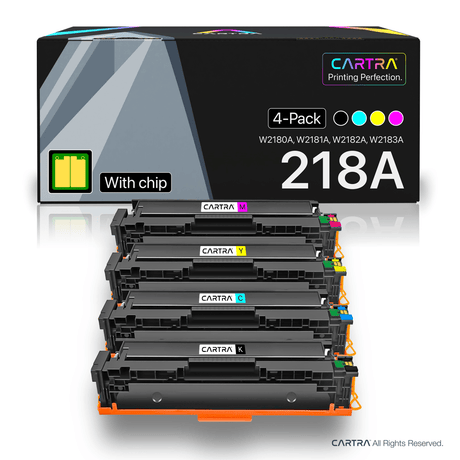
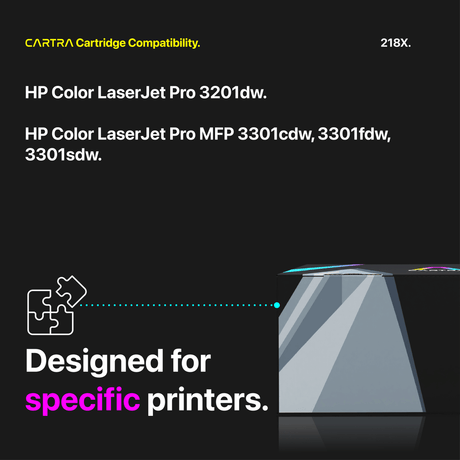
The 3301sdw uses the HP 218A (standard yield) and HP 218X (high yield) toner cartridge families in four colors:
- Black — HP 218A (W2180A, ~1,500 pages) or HP 218X (W2180X, ~5,500 pages)
- Cyan — HP 218A (W2181A, ~850 pages) or HP 218X (W2181X, ~3,000 pages)
- Magenta — HP 218A (W2182A, ~850 pages) or HP 218X (W2182X, ~3,000 pages)
- Yellow — HP 218A (W2183A, ~850 pages) or HP 218X (W2183X, ~3,000 pages)
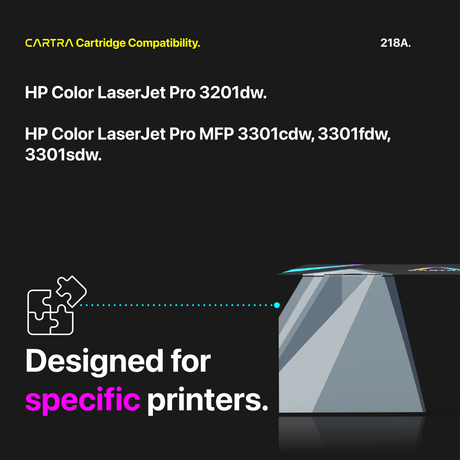
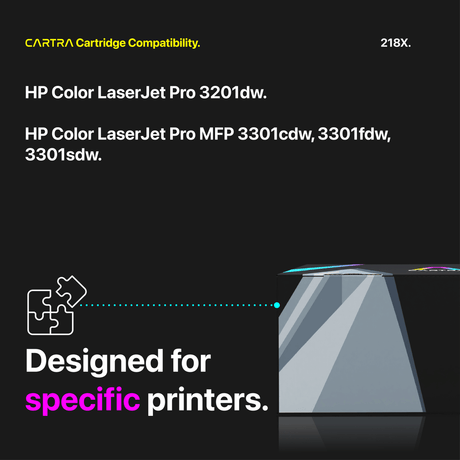
These are the same cartridges used by the HP 3201dw, 3301fdw, and 3301cdw. They are not interchangeable with the older 206A/206X series used in the M255 and M283 printers. All yields are measured under the ISO/IEC 19798 standard at 5% page coverage. You can freely mix 218A and 218X cartridges across color slots since both share the same physical cartridge design.
Standard vs. High Yield — Which to Choose?
The yield gap between the HP 218A and 218X is substantial. The 218X black prints about 5,500 pages versus the 218A's 1,500, and each 218X color cartridge yields roughly 3,000 pages compared to 850 for the 218A — more than triple the output. For a multifunction printer like the 3301sdw that may handle scanning, copying, and printing simultaneously, the high yield 218X is typically the better value because it lowers your cost per page and minimizes the frequency of toner replacements. The 218A standard yield makes sense only for very low-volume users. At Cartra Tech's compatible pricing, the decision is even easier — our 218X cartridges cost less than OEM 218A supplies at most retailers.
How to Replace Toner in the HP 3301sdw
Replacing toner in the 3301sdw is quick and requires no tools. Open the front access panel and pull the toner drawer forward. Press the release tab on the cartridge you want to replace and lift it out. Remove the new compatible cartridge from its sealed packaging, rock it gently side to side several times to distribute toner evenly inside the hopper, and peel off the protective seal strip completely. Slide the cartridge into the matching color slot until it snaps securely into place. Push the drawer back in, close the access panel, and the printer will recognize the new cartridge automatically, displaying updated toner levels within seconds.
Smart Chip Included + Warranty
All of our compatible HP 3301sdw toner cartridges include a factory-new smart chip engineered for the latest HP 3000 series firmware. Your printer will show accurate toner levels and will not display non-genuine cartridge warnings or supply error messages. Each cartridge is manufactured under ISO 9001, ISO 14001, and STMC quality certifications. Every order ships free, is backed by a 3-year warranty, and includes a 45-day hassle-free return policy. If any cartridge fails to meet your expectations, we will replace it or refund your purchase. Choose your compatible HP 3301sdw toner above and keep your multifunction printer running at peak performance for less.
 30% off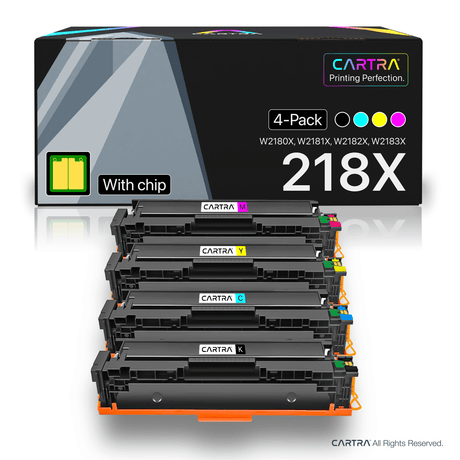
 18% off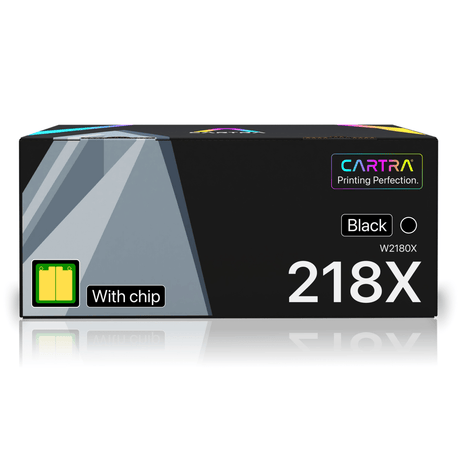
 22% off
