HP M255dw Compatible Toner Cartridges — Save Up to 80%
About the HP Color LaserJet Pro M255dw
The HP Color LaserJet Pro M255dw is a single-function color laser printer designed for small offices, home businesses, and individual professionals who need fast, high-quality color output without the footprint of a multifunction device. With built-in Wi-Fi, Ethernet, USB connectivity, and automatic two-sided printing, the M255dw handles everyday documents, marketing materials, and color reports with ease. Print speeds reach up to 22 pages per minute in both color and black, making it one of the most efficient compact color lasers in its class. Its popularity also means toner replacement is a recurring expense — which is exactly where our compatible HP M255dw toner cartridges deliver serious savings.
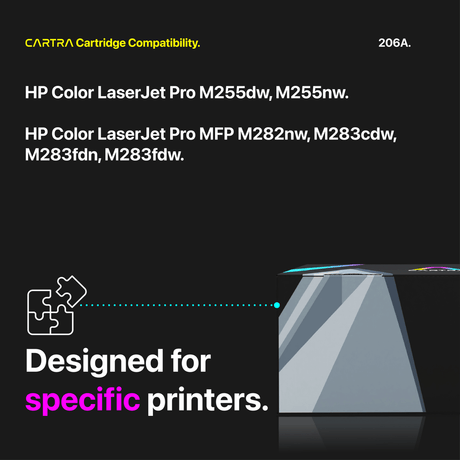
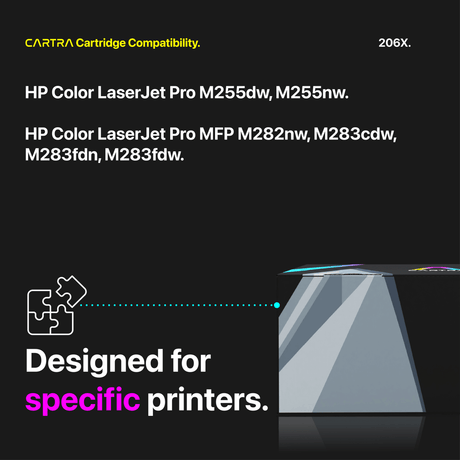
Which Toner Cartridges Fit the HP M255dw?
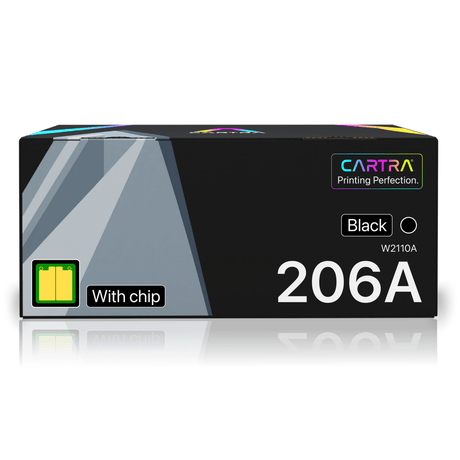
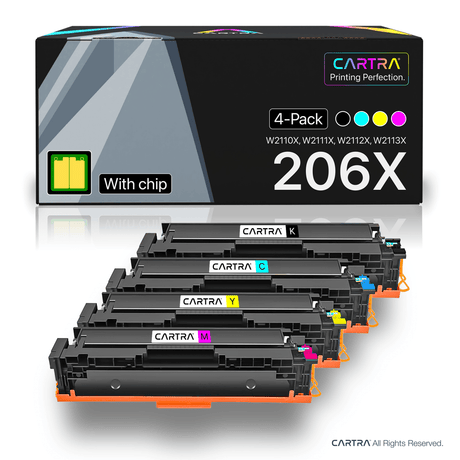
The HP M255dw uses the HP 206A (standard yield) and HP 206X (high yield) toner cartridge families. Both are available in four colors:
- Black — HP 206A (W2110A, ~1,350 pages) or HP 206X (W2110X, ~3,150 pages)
- Cyan — HP 206A (W2111A, ~1,250 pages) or HP 206X (W2111X, ~2,450 pages)
- Magenta — HP 206A (W2112A, ~1,250 pages) or HP 206X (W2112X, ~2,450 pages)
- Yellow — HP 206A (W2113A, ~1,250 pages) or HP 206X (W2113X, ~2,450 pages)
All page yields are measured under the ISO/IEC 19798 standard at 5% coverage, matching the methodology HP uses for its own OEM ratings. You can mix standard and high yield cartridges freely — for example, a 206X black with 206A colors — since both share the same physical design.
Standard vs. High Yield — Which to Choose?
If you print fewer than 200 pages per month, the HP 206A standard yield cartridges keep your upfront cost low and will last several months between replacements. For heavier workloads — 500 pages or more per month — the HP 206X high yield is the better investment. The 206X black delivers roughly 2.3 times the pages of the 206A, while color cartridges nearly double their output. That means fewer cartridge swaps, less downtime, and a lower cost per page over the life of your printer. With our compatible pricing, a full set of four 206X cartridges costs less than a single OEM 206A black.
How to Replace Toner in the HP M255dw
Swapping toner in the M255dw takes under a minute and requires no tools. First, open the front access door and pull the toner drawer straight out. Press the release tab on the spent cartridge and slide it free. Next, unbox your new compatible cartridge, gently rock it side to side five or six times to distribute the toner evenly, and peel off the protective seal strip completely. Finally, slide the cartridge into the matching color slot until it clicks securely into place, push the drawer back in, and close the door. Your M255dw will detect the new cartridge automatically and update the toner level display within seconds.
Smart Chip Included + Warranty
Every compatible HP M255dw toner cartridge from Cartra Tech includes a factory-new smart chip that communicates with your printer exactly like the OEM chip. You will see accurate toner level readings and zero non-genuine cartridge warnings. Our cartridges are ISO 9001, ISO 14001, and STMC certified for quality and consistency. Every order ships free within the continental U.S. and is backed by our 3-year warranty and 45-day hassle-free return policy. If a cartridge ever falls short of your expectations, we replace it or refund your purchase — no questions asked. Browse the compatible HP M255dw toner options above and start saving today.
 25% off
 21% off